
Maintain · Tuning

Mapping your ICU for elevation

A board tuned for sea level won't run at its best in the mountains, and vice versa. Here's why, and how to get it fixed.
Guide

Getting the right tune for your elevation

Applies to: Gas boards Last updated: Sep 2026
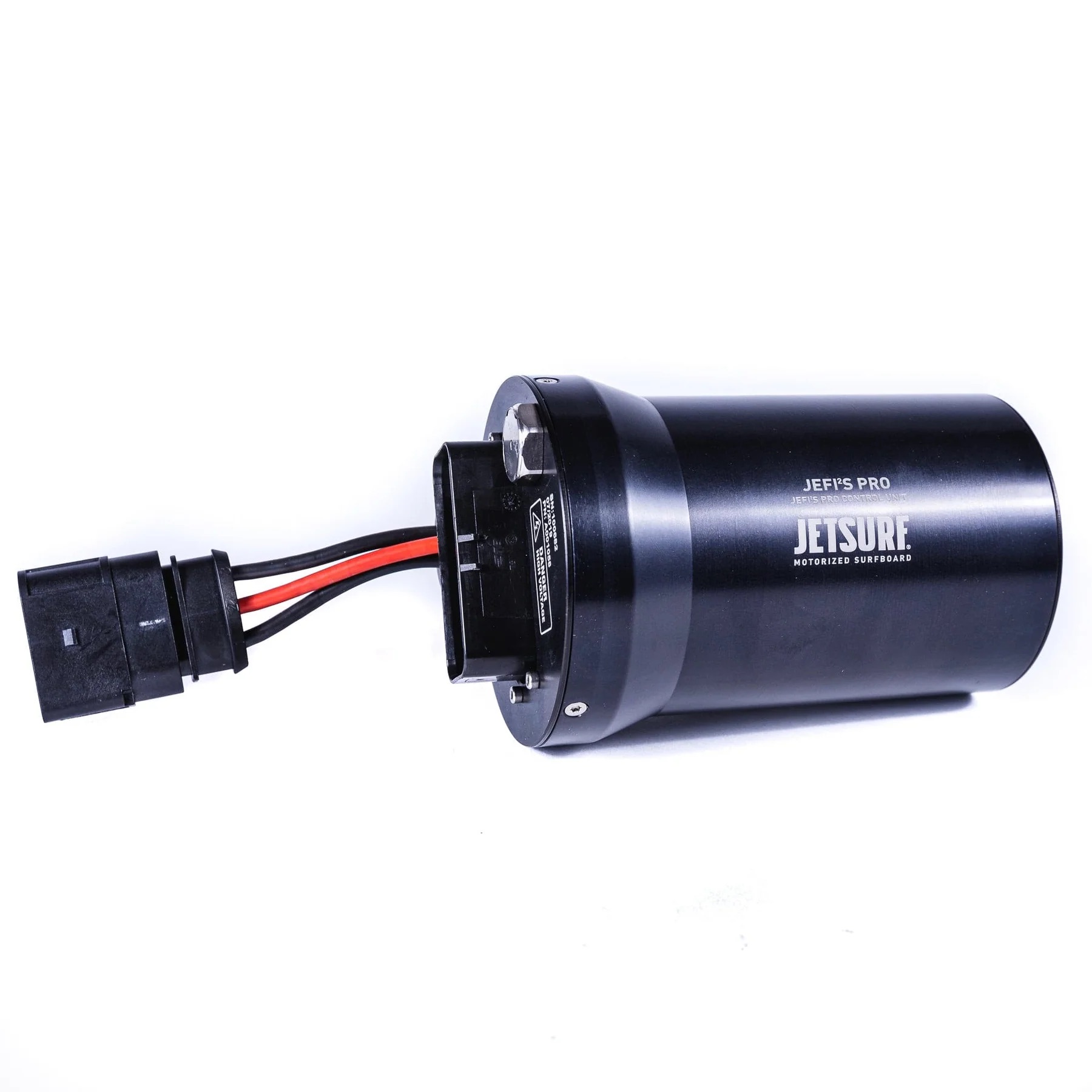
JETSURF JEFI2S PRO control unit — the ICU that holds the engine's elevation maps

The JEFI²S PRO — JETSURF's control unit, loaded with the engine maps.

Your JetSurf's ICU comes loaded with multiple engine maps calibrated for different elevations. Air gets thinner as you go higher, which changes how much oxygen reaches the engine — so a board tuned for sea level won't run at its best in the mountains, and vice versa.

What the factory maps cover

The factory maps span elevations from sea level (0 m / 0 ft) all the way up to 10,000 ft (3,000 m), with adjustments for barometric pressure and ambient temperature. There are dedicated map sets for each engine type:

How to get your ICU flashed for your elevation

  1. Find your nearest authorized JETSURF dealer.
  2. Take the ICU out of the board — full steps below.
  3. Ship your ICU to the dealer with a note stating the elevation where you ride — for example, "Lake Tahoe, ~6,200 ft."
  4. The dealer flashes the correct map for your elevation and ships it back, ready to install using the same steps in reverse.

Removing (and reinstalling) the ICU

Watch on YouTube ↗ · JETSURF Service Tutorials #3. Full timestamped steps and tools list in our iCU removal & installation guide.

Riding with the wrong elevation map can cause poor performance, hard starting, or running issues. If you've moved or you travel between sea level and altitude regularly, it's worth getting the right tune.
Keep riding

More in the maintenance library

Cleaning and storage through to a full engine rebuild, every guide with a video walkthrough and timestamped steps.